Table of Contents
- The Magic of AI Branding: Moving from Chaos to Clarity
- The Blueprint: Anchoring Your Vision and Messaging with Meaning
- The Essential AI Prompt: How to Preserve Your Authenticity
- Mastering the “Digital Wardrobe”: 100 Styles at Your Fingertips
- The Reverse Engineering Hack: Recreating the Images You Love
- From Asset to Engagement: 5 Ways to Use AI Photos in Canva
- Adding Movement: Animating Still Images for Dynamic B-Roll
- Conclusion: Reclaiming Your Time and Your Voice
- Frequently Asked Questions
The Magic of AI Branding: Moving from Chaos to Clarity
We’ve all been there—the “messy desk” phase of entrepreneurship. You know your message is powerful, but your backend feels like a collection of duct-taped systems. For many coaches and creatives, the biggest hurdle to consistent visibility isn’t a lack of ideas; it’s the dread of the traditional brand photoshoot.
The logistics of picking the right clothes, finding a photographer, and standing awkwardly in front of a lens can feel overwhelming. But what if you could create a high-impact, professional brand presence from your living room? Today is about making that magic happen. By leveraging AI, we can move from simple content creation to building a bridge that leads clients straight to your door—all while keeping your personal touch intact.
The Blueprint: Anchoring Your Vision and Messaging with Meaning
In my 25 years in education, I’ve learned that the best systems are the ones that provide a clear path from A to B. In business, that path is the journey from content to clients. It starts with anchoring your vision and aligning your offers, but it truly takes flight when you begin “messaging with meaning.”
Your brand photos are more than just pretty pictures; they are the visual representation of what you stand for. They amplify your voice. When you have high-quality images that reflect your authority—whether you’re in a blazer or your favorite cozy sweater—you build trust. We aren’t just making images for the sake of it; we are building a community where you can share, bounce ideas, and grow without losing yourself in the tech.
The Essential AI Prompt: How to Preserve Your Authenticity
The biggest fear entrepreneurs have with AI is looking “fake.” We want to look professional, but we also want our clients to recognize us when we jump on a Zoom call. The secret lies in the prompting.
To create images that actually look like you, the tool you use (be it ChatGPT, Google Gemini, or specialized platforms) is less important than the instruction you give it. You must start every session with a “preservation prompt.”
The Golden Rule of AI Portraits:
“Preserve the subject’s facial features, proportions, and identity exactly as shown without beautifying or altering their face.”
By using a clear, well-lit reference image—even a high-quality phone selfie taken in front of a window—and pairing it with this instruction, you ensure the AI respects your identity.
Mastering the “Digital Wardrobe”: 100 Styles at Your Fingertips
One of the most liberating parts of an AI photoshoot is the ability to “try on” a wardrobe you don’t even own yet. Do you want to look like the “Expert of the Year”? Or perhaps you want a “Golden Hour Authority” vibe?
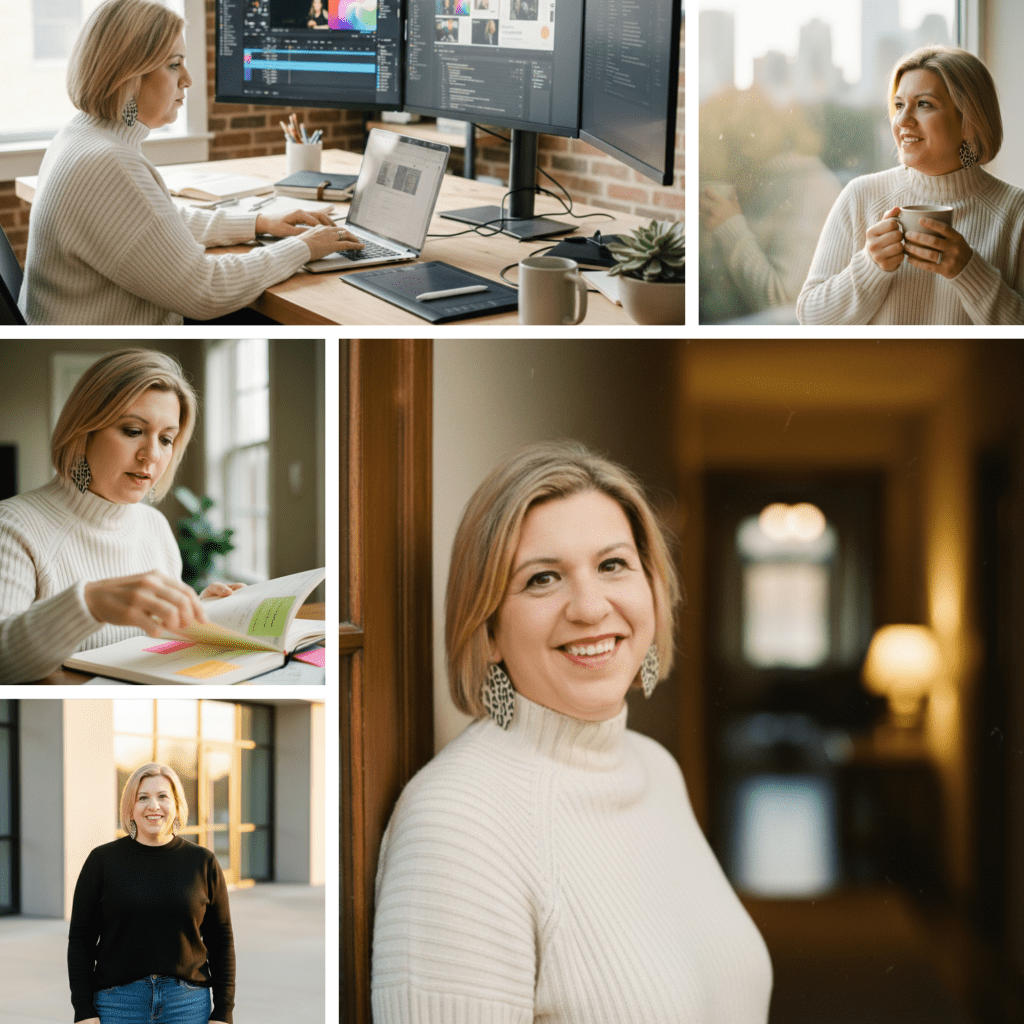
Once you have your identity preservation prompt locked in, you can layer on styles. You can ask the AI to recreate your image in a black blazer for LinkedIn, a red top for a high-energy launch, or a fuzzy blue sweater for a cozy “coffee with a coach” feel. This allows you to match your visuals to the specific mood of your content without ever having to change your clothes in real life.
In my most recent workshop, I shared a list of 100 prompt ideas you can use to create a brand photo shoot for yourself. If you want the list, grab the workshop replay and notes here.
The Reverse Engineering Hack: Recreating the Images You Love
Have you ever scrolled through Pinterest or Instagram and thought, “I love that pose, but I have no idea how to describe it”? AI has a solution for that, too.
You can upload an image you admire into ChatGPT or Gemini and ask it to: “Analyze this image and create a prompt that I could use to recreate this exact style and composition.”
The AI will describe the lighting, the angle, and the setting in detail. You then take that generated prompt, add your “identity preservation” instructions, and upload your own headshot. This “reverse engineering” technique allows you to create high-impact promo graphics, webinar countdowns, and professional banners that look like they were designed by a high-end agency.
From Asset to Engagement: 5 Ways to Use AI Photos in Canva
Creating the photo is only half the battle; the real work happens when you turn those photos into content assets. Here are five ways to use your new AI headshots inside Canva:
- The “Stop Doing This” Hook: Take a full-page headshot, add a transparent gradient overlay to make the text pop, and lead with a polarizing hook.
- The Authority Carousel: Use consistent images across a swipeable post to teach a concept, like “3 Ways to Grow Your Business with AI.”
- The YouTube Thumbnail: Use the “Background Remover” tool in Canva to place your AI-generated persona onto a bright, high-contrast background for maximum clicks.
- The Quote Card: Position yourself as a thought leader by pairing a contemplative AI portrait with a powerful piece of advice.
- The Personal Connection Post: Use a casual “sweatshirt and yoga pants” AI generation to share a “behind the scenes” story that makes you feel relatable and human.
Adding Movement: Animating Still Images for Dynamic B-Roll
We are entering an era where a still photo is just the beginning. Using tools like Gemini or specialized video AI, you can now take a still image and simply say: “Can you animate this?”
Suddenly, your still photo of you holding a coffee cup becomes a video of you taking a sip. Your “Golden Hour” portrait becomes a clip of your hair blowing gently in the wind. This creates incredible “B-roll” footage for your Reels and TikToks. It catches the eye because it’s you, but with a dynamic twist that traditional photography can’t easily replicate.
Conclusion: Reclaiming Your Time and Your Voice
The goal of using AI in your branding isn’t to replace your humanity; it’s to give you the breathing room to be more human. By streamlining the “tech dread” of photoshoots, you free up hours of time to spend serving your clients and nurturing your community.
If you’re ready to take the chaos out of your content and start appearing with the calm confidence you deserve, I invite you to join us inside the AI Amplified Entrepreneur community. We dive deep into these systems every week, turning tech overwhelm into steady progress.
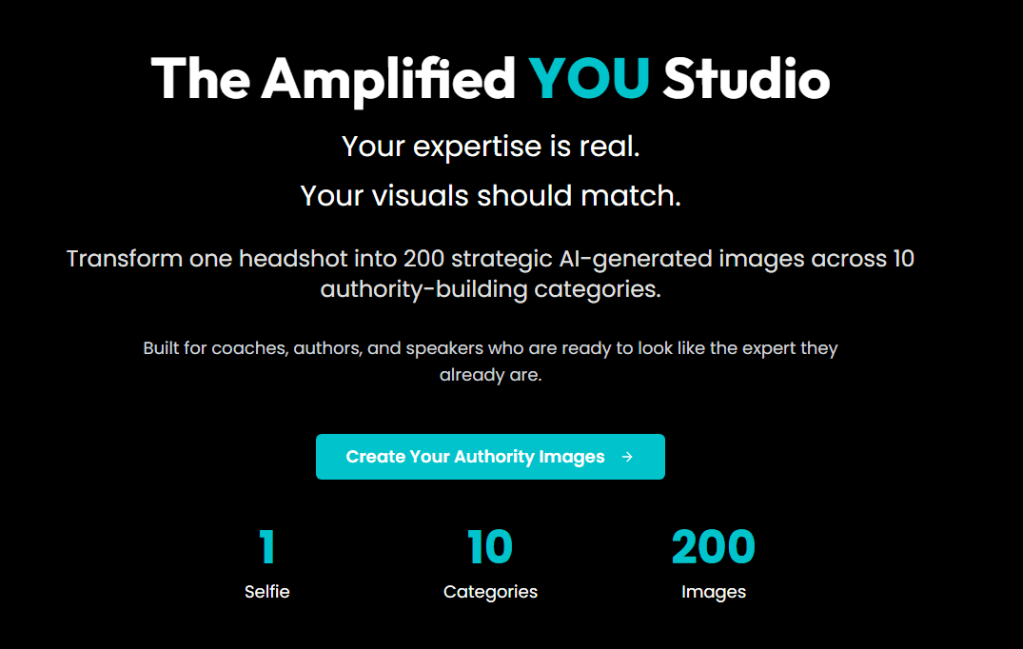
And for those who want the ultimate “easy button,” our Amplified You Studio is now available. Imagine generating 200 authority images—from speaking stages to B-roll—with just a single click. It’s time to amplify your voice and transform your business with the power of AI.
Frequently Asked Questions
Q: Can I use professional photos I already have as reference images? A: Absolutely! In fact, professional photos often work best because the lighting is already optimized. Just ensure the AI prompt instructs the tool to keep your features exact.
Q: Does the AI make me look too “perfect” or thin? A: It can, but you have control. You can adjust your prompt by giving it your specific proportions or weight to ensure the generated image feels like a true reflection of you.
Q: Is it okay to use images of places I haven’t actually been? A: This is a personal choice based on your brand values. Many entrepreneurs use these for “lifestyle” vibes or thematic backgrounds. As long as you aren’t falsely claiming to be somewhere you aren’t, it’s a powerful marketing tool for creating a specific “mood.”
Q: What if I have a messy background in my selfie? A: The beauty of these AI tools is that they focus on your face. They will completely replace your messy desk with a studio, an office, or a sunset, depending on your prompt.

 AI Coaching with Angelina
Leave a comment